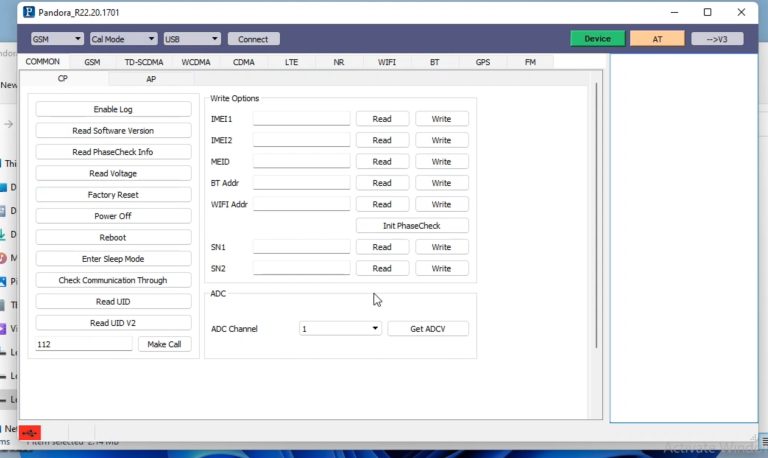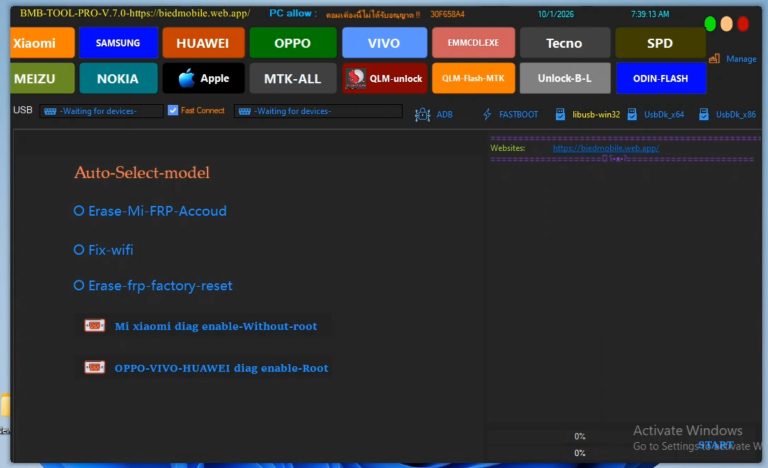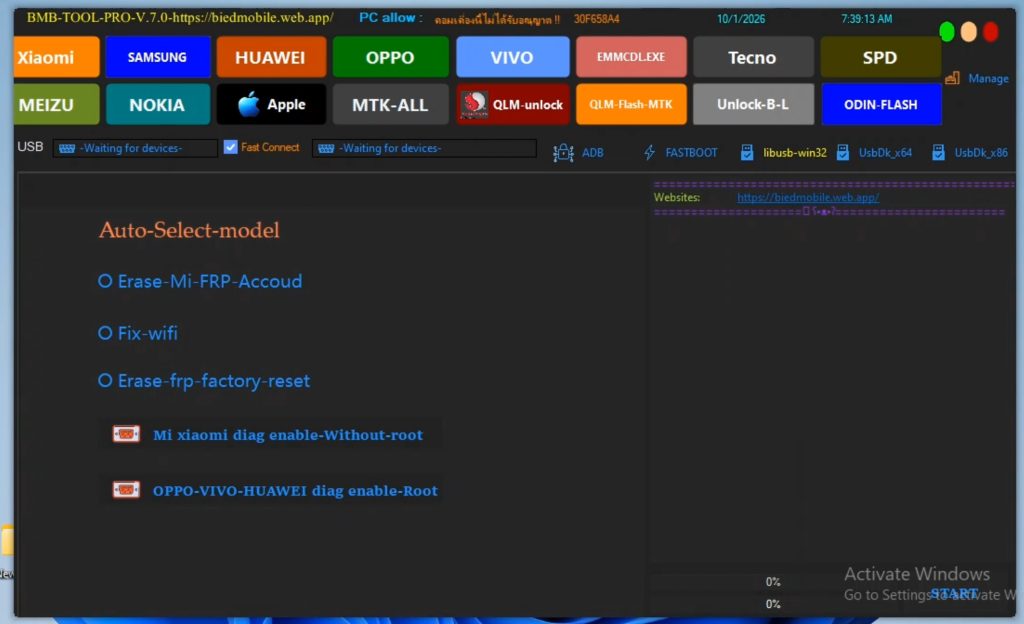
BMB Free FRP Bypass tool Download
BMB Flash Tool is a versatile and efficient utility software designed for servicing, flashing, and unlocking Android devices. Built primarily for smartphone repair technicians and power users, it simplifies complex maintenance tasks like writing stock firmware, bypassing FRP locks, and recovering bricked devices across a wide variety of smartphone brands.
Key Features
- Multi-Chipset Support: Compatible with multiple processor architectures, including MediaTek (MTK), Qualcomm, and Unisoc/SPD devices.
- One-Click FRP Bypass: Easily removes Google Factory Reset Protection (FRP) on supported models after a hard reset.
- Firmware Flashing: Restores devices stuck on boot loops, frozen at the logo, or soft-bricked by writing official stock ROMs.
- Screen Lock Removal: Helps reset pattern, PIN, and password locks without damaging system partitions.
- Auto Port Detection: Automatically identifies connected devices and sets up communication via the correct COM/USB port.
- User-Friendly Interface: Clean, intuitive UI that allows both beginner and advanced technicians to operate without a steep learning curve.
- Bypass FRP Lock: Remove Google account verification when locked out after a reset.
- Factory Reset: Restore the device to original settings, erasing all personal data.
- Format ROM: Clear system partitions to fix bugs or prepare for a fresh OS installation.
- Erase EFS: Remove encrypted data like IMEI/network settings to fix connectivity issues.
- EFS Backup/Restore: Save EFS data before changes and restore if needed.
- Bootloader Lock/Unlock: Enable advanced modifications or return to
System Requirements
| Specification | Requirement |
|---|---|
| Operating System | Windows 7 / 8 / 10 / 11 (32-bit & 64-bit) |
| Processor | Intel Core i3 or equivalent (minimum) |
| RAM | 2 GB minimum (4 GB or more recommended) |
| Free Storage | At least 500 MB (excluding ROM and driver files) |
| Prerequisites | Correct USB Drivers (MTK/Qualcomm/SPD) & standard USB cable |
How to Use
- Temporarily disable Windows Defender or any third-party antivirus to prevent false-positive blocks.
- Extract the downloaded BMB Flash Tool
.ziparchive to a dedicated folder on your PC. - Run the installer or launch the executable file as an Administrator.
- Install all essential USB drivers (MediaTek VCOM, Qualcomm EDL, or Unisoc Drivers) to ensure stable communication.
- Select your device model and required action (e.g., Flash, Unlock, or FRP Reset).
- Connect your device in the appropriate mode (BROM, EDL, or Fastboot) and click Start to begin the process.
Caution: Modifying system firmware carries a risk of permanently bricking your device. Always back up critical data before proceeding and ensure your phone is charged to at least 50%.
Click Here To – Download
password – bdlikhon