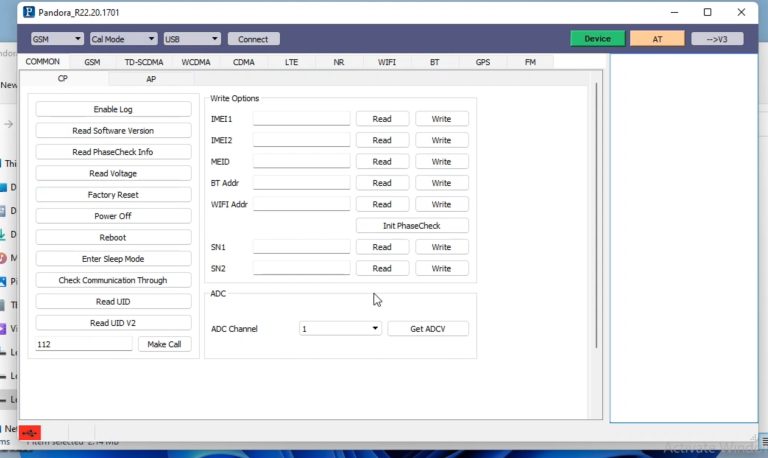
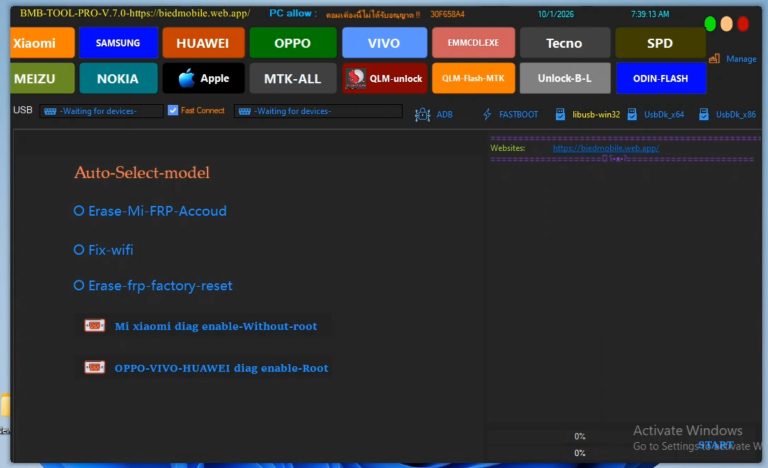
NZO MTK Tool Frp Bypass Tool
Key Features of NZO MTK Tool
- FRP Bypass & Erase: Easily removes the Google Account lock after performing a hard reset.
- Factory Reset & Safe Format: Wipes device user data or resets the phone safely without data loss on older chipsets (Safe Format Mode 1).
- Bootloader Management: Unlocks and relocks the bootloader directly to allow root access or custom ROM installations.
- Account Removal: Resets Mi Cloud accounts specifically on Xiaomi/Redmi devices.
-
- Special Hardware Fixes: Includes specific partition and bootloader fixes for common budget MTK devices like the Redmi 9A, 10A, and Redmi Note 11 5G.
-
-
Supported Smartphone BrandsWhile initially focused on Xiaomi, the tool works broadly across all MediaTek (MTK) chipsets, offering module support for:
- Xiaomi / Redmi / Poco
- Oppo / Realme
- Vivo
- Huawei
-
System & Usage Requirements
-
- Operating System: Compatible with Windows 7, 8, 10, and 11 (both 32-bit and 64-bit systems).
- Mandatory Step: You must install the correct MTK USB Drivers and LibUSB drivers on your PC before opening the tool, or the software will hang on “Waiting for Device”.
- Connection Mode: Devices usually need to be turned off completely and connected via USB while holding both Volume Up + Volume Down keys to trigger Brom/Preloader mode.
Disclaimer: Ensure you disable your PC’s antivirus temporarily during installation, as generic crack/repair tools are often flagged as false positives. Always back up your NVRAM/IMEI data before formatting partitions.Would you like assistance finding a safe download link or a step-by
tep guide on how to connect your specific phone model to the tool? -
- Click here To : – Download
- password : bdlikhon