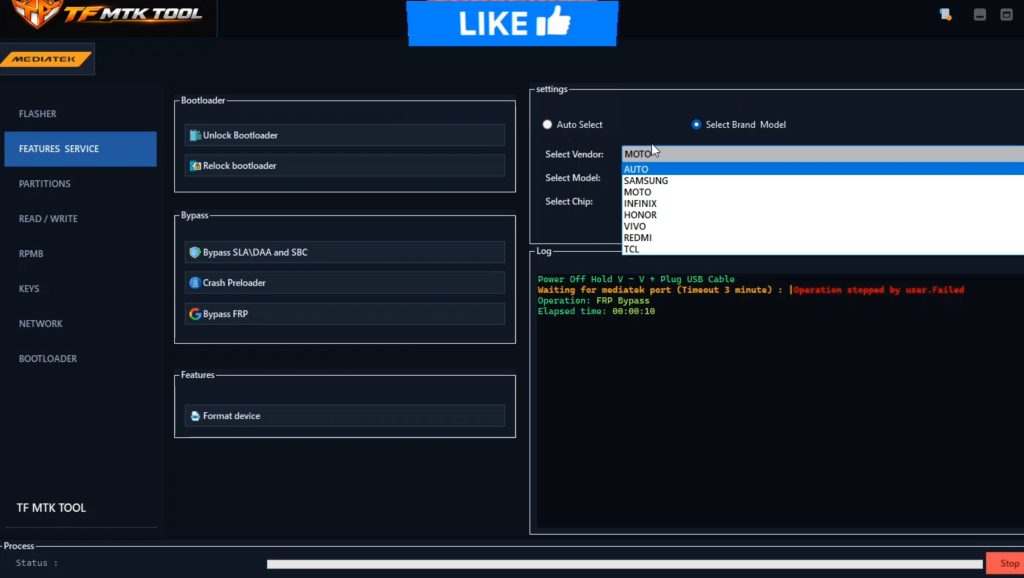
TF MTK Tool Latest Version Free Download | MediaTek Bootloader & FRP Bypass Tool
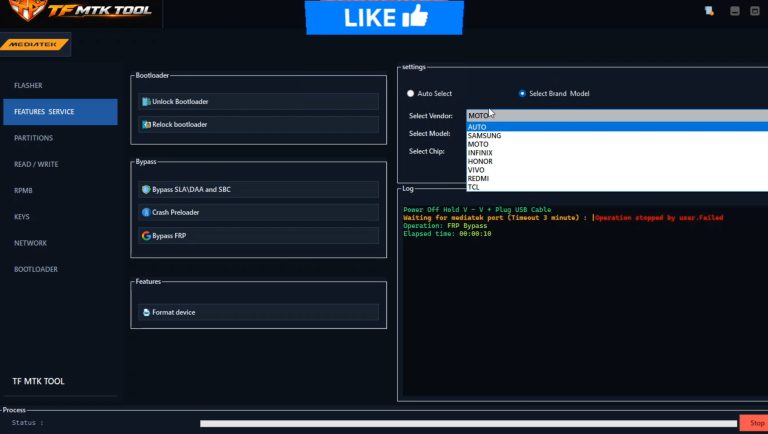
The TF MTK Tool is a desktop application developed to simplify low-level maintenance on MediaTek smartphones and tablets. By utilizing vulnerabilities or direct communication protocols in MediaTek’s BootROM and Preloader interfaces, the tool bypasses standard software barriers (such as Android authorization and bootloader locks), allowing direct read/write operations to the device’s eMMC or UFS flash storage.
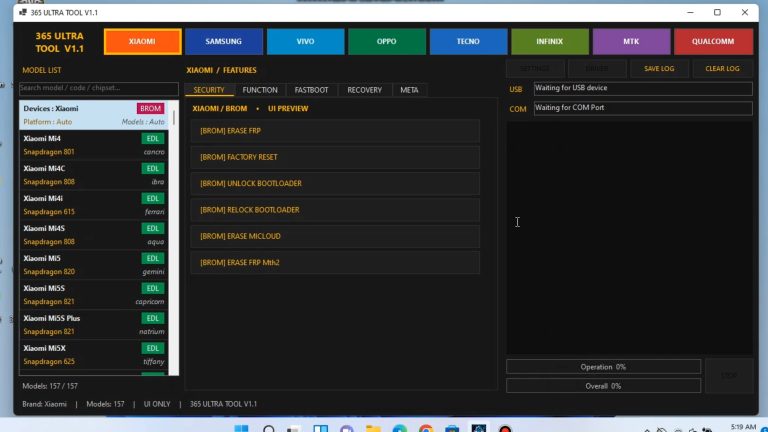
It supports a wide range of smartphone brands utilizing MediaTek processors, including Xiaomi / Redmi, Realme, Oppo, Vivo, Infinix, Tecno, and Samsung (MTK variants).
Key Features
- One-Click FRP Bypass: Removes Google Account Verification (FRP) across supported Android versions without requiring user interaction on the handset.
- Factory Reset & Pattern/PIN Removal: Clears pattern, PIN, password, or biometric locks by formatting the /userdata partition safely.
- Bootloader Unlock & Relock: Unlocks the device’s bootloader temporarily or permanently to enable custom recovery or ROM installation, with the option to relock for official updates.
- Auth Bypass (SLA/DAA): Disables high-security MediaTek authorization barriers (Serial Link Authentication and Download Agent Authentication) without requiring authorized service accounts.
- Scatter File Flashing: Reads, writes, and verifies partition images using standard MTK scatter configuration files.
- NVRAM / NVDATA Backup & Restore: Safeguards critical baseband and network configuration partitions to prevent IMEI loss during software repairs.
- Safe Format Options: Offers device-specific safe format profiles (especially for Oppo and Vivo) to prevent hard-bricking during wipe operations.
Click here to : – Download
password – bdlikhon
Important Safety Notes
Disclaimer: Servicing mobile firmware carries inherent risks. Modifying system partitions or flashing incorrect files can result in a soft-brick or permanent hardware malfunction. Always create a full backup of the device’s NVRAM and NVDATA partitions before performing write or format commands. Ensure the target device maintains at least 50% battery before connecting.